Digital Media
2 months
2 Students
14 Lessons
Master Adobe Premiere Pro from beginner to professional level with this structured program.
Learn complete video editing essentials, advanced tools, cinematic editing, audio mixing, color grading, and professional workflows.
Build real projects, practice industry workflows, and prepare a job-ready portfolio with expert guidance.
✅ Master the complete Adobe Premiere Pro interface and professional editing workflow
✅ Edit videos with cuts, trims, transitions, effects, and advanced tools
✅ Work with audio mixing, noise reduction, music syncing & sound design
✅ Perform cinematic color correction & creative color grading using Lumetri
✅ Create motion graphics, animated titles, and lower thirds using Essential Graphics
✅ Use advanced features like masks, tracking, multi-camera editing & speed ramps
✅ Export videos for YouTube, Instagram, OTT, Broadcast & client delivery
✅ Build a professional 3–5 minute portfolio project to showcase your skills
This course covers everything from basic editing to advanced cinematic workflows, including transitions, effects, audio mixing, color grading, speed manipulation, motion graphics, green screen, multi-camera editing, and professional export settings. With weekly hands-on projects, students gain real-world experience to create YouTube videos, advertisements, short films, and client-ready edits.
A Beginner → Advanced → Professional Premiere Pro Mastery Course: is designed for learners who want to transform from beginners into job-ready professional editors. Built by a trainer with over 10+ years of real industry experience, this program is structured to give you complete command over Adobe Premiere Pro — the world’s leading video editing software used by filmmakers, agencies, YouTubers, and creators.
You begin with the absolute basics — understanding panels, timelines, tools, and video formats — and gradually move into intermediate editing such as transitions, audio mixing, keyframing, multicam editing, and color correction.
As you progress, you’ll learn advanced techniques like speed ramping, cinematic color grading, green screen/chroma key, motion tracking, professional motion graphics, and full post-production workflow used in agencies and production houses.
You will complete a 3–5 minute portfolio project demonstrating your editing skills, which can be used for your resume, freelance profile, or social media presence.
This course is created in a practical, hands-on style where you edit daily, learn real techniques used by professionals, and build confidence to take up editing roles, freelance work, or content creation.
Video editing is one of the fastest-growing digital skills in India and globally.
Demand for editors is rising in YouTube industry, startups, production houses, ad agencies, and media companies.
Brands and creators require editors who understand content pacing, storytelling, color grading, and high-quality exports.
Skilled Premiere Pro editors earn through freelancing, remote work, social media projects, reels, ads, short films, weddings, and corporate videos.
This course ensures you don’t waste months—you become industry-ready in just 30 days.
This course is perfect for:
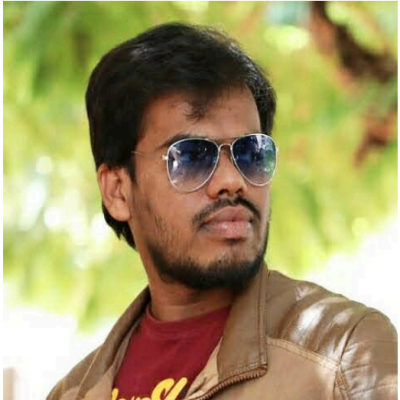
Hello, I’m Prasad, your trainer for this Adobe Premiere Pro Telugu Video Editing Course.
I come with over 10+ years of professional experience in video editing, post-production, color grading, and motion graphics.
For the past decade, I’ve worked with production studios, creative agencies, YouTubers, filmmaking teams, and brands—helping them create high-quality content that performs. I specialize in transforming raw footage into impactful visual stories using industry-standard tools like Adobe Premiere Pro.
My mission is simple:
To make you a confident, industry-ready video editor who can create professional-quality videos—whether you want to work for clients, start freelancing, edit YouTube content, or build a creative career.
You won’t just learn tools…
You’ll learn how to think like an editor, how to tell visual stories, and how to follow professional post-production standards.
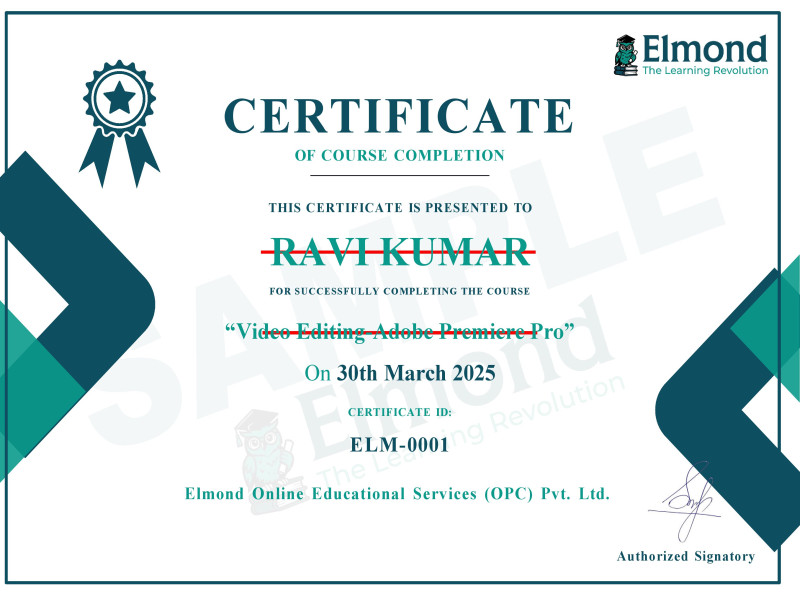
After completing this Telugu Video Editing Course using Adobe Premiere Pro, you will receive a recognized, industry-standard Course Completion Certificate that validates your editing skills and professional growth.